
Extend Dragent
Connect tools to the work
Bring issue, review, and service context into supported agent workflows.
1 min read Dragent guide
Connect a service
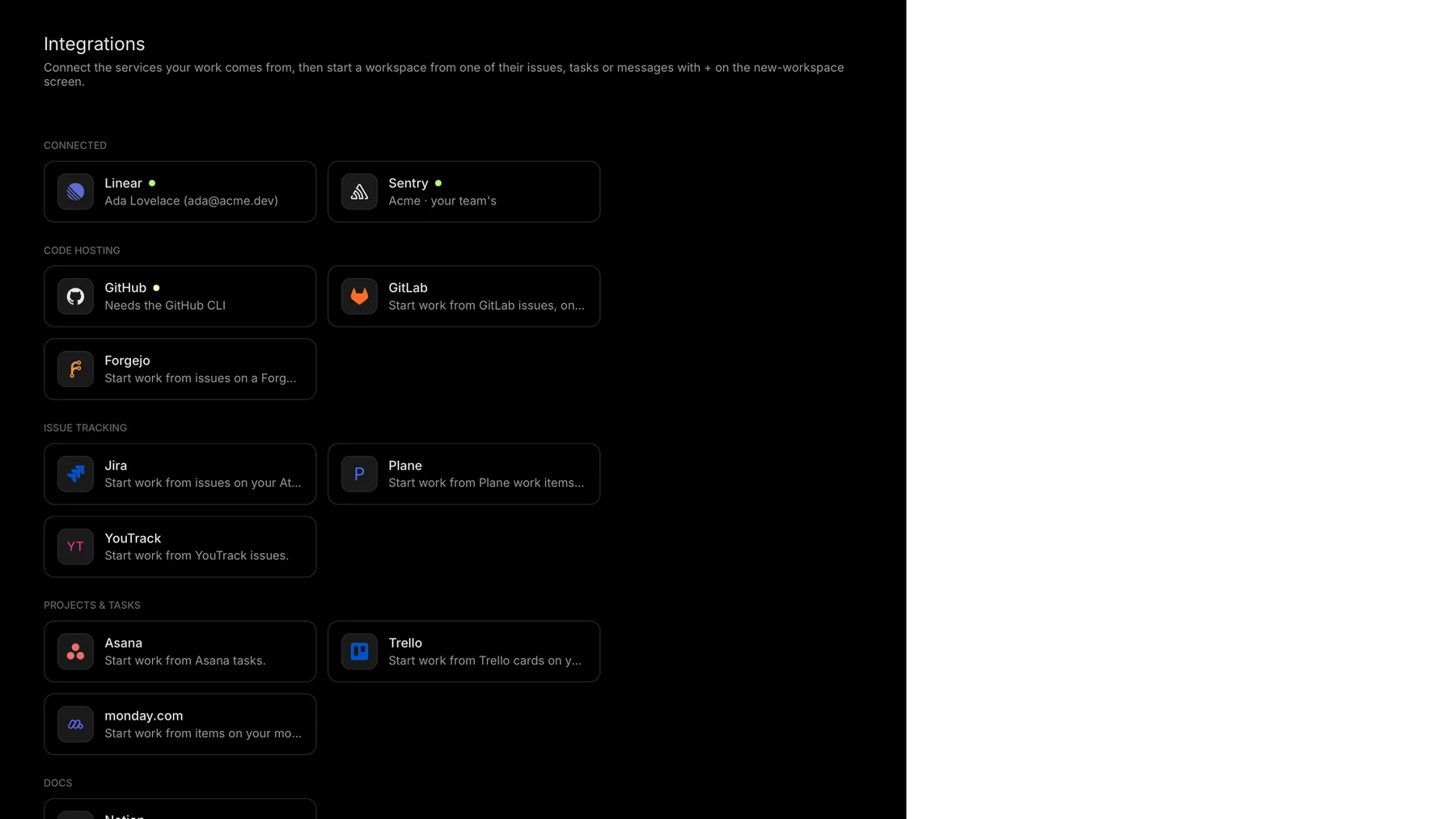
Open Settings → Integrations to see the available services and their connection state. Services may require a browser sign-in, a local CLI, an organisation connection, or additional scopes. Use the connection instructions for that service.
Give the agent context
Use supported integration tools to search for and read relevant items. Include the issue, repository, or error the agent should act on and make the requested outcome explicit. A service being connected does not mean an agent is authorised to publish changes.
Use service tools from the CLI
dragent integrations services
dragent integrations help
The available tools and service keys depend on the active organisation and configured connections. Read-only discovery is a useful first step before granting write access.
Keep account scope clear
Connections follow the active Dragent account and organisation. For SSH agents, service calls are relayed through the connected desktop. Changing the account or organisation invalidates requests belonging to the earlier context rather than silently switching their identity.