
Review & automate
Make agent work recurring
Define the prompt, schedule, agent, and workspace for repeated tasks.
2 min read Dragent guide
Create an automation
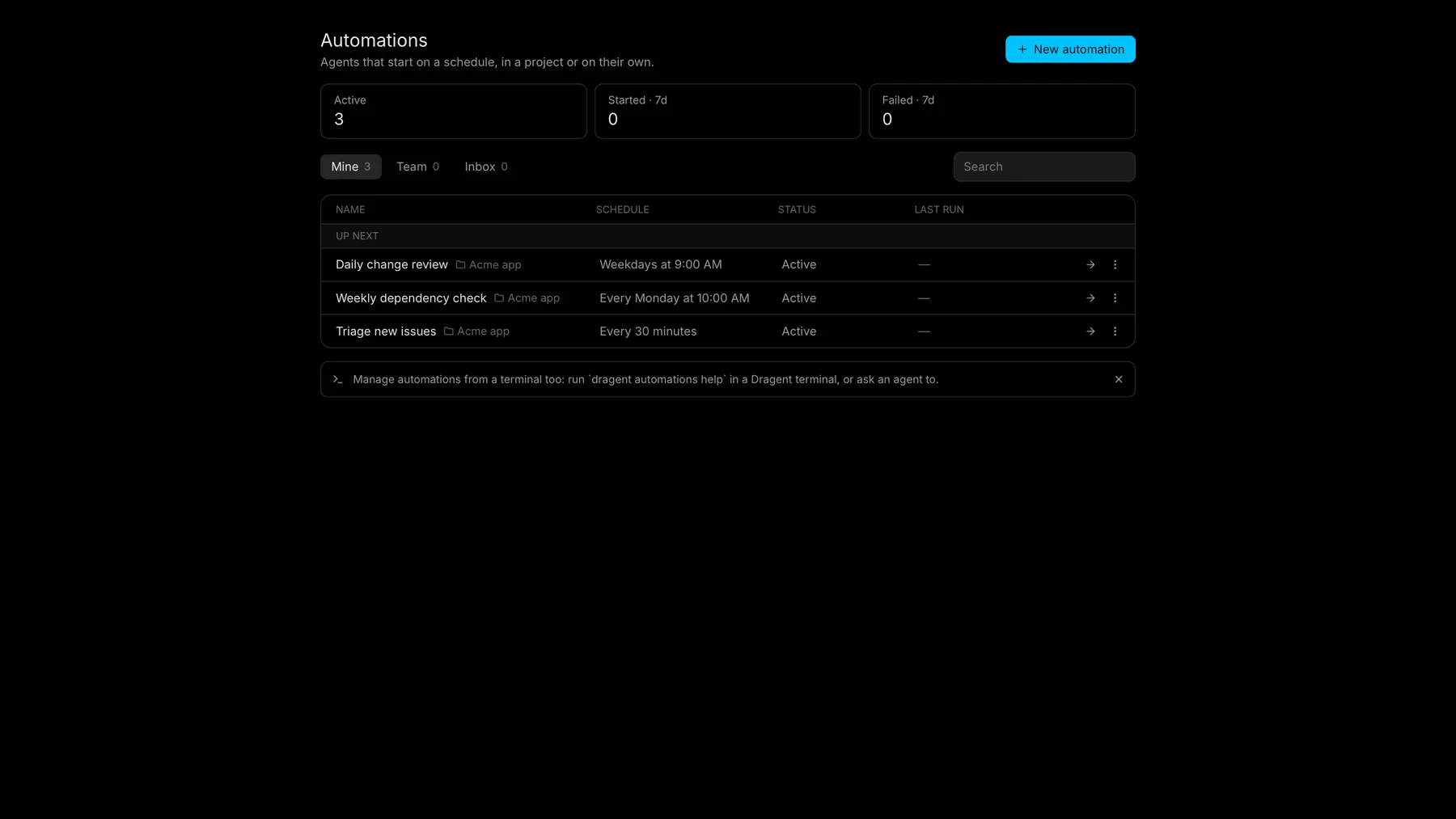
Open Automations. Give the automation a descriptive name, select where it works, set its schedule or supported trigger, choose the agent, and write the prompt. Include a definition of success and state whether the agent may edit files or publish anything.
Choose where each run works
| Mode | Behaviour |
|---|---|
| New worktree | Each run starts a new branch and linked worktree. Choose a base branch and whether the new branch should be pushed. |
| Existing branch | Run on the chosen branch, reusing a worktree already on that branch when available. |
| Pinned workspace | Reuse the selected workspace or project checkout. Choose this when the work should return to the same directory. |
Understand session folders
A project-less automation can work in a session folder. Without a pinned folder, a session-mode automation gets a new folder for each run. The automation’s sidebar tags control where its workspaces appear; they do not change the code’s repository.
Inspect the result
Use run history to open the generated workspace and conversation. A run record may indicate that the agent started successfully while the agent continues working. Check the agent’s actual output and resulting changes. Pause the automation before changing its scope or schedule.