
Your workspace
Keep the code beside the task
Navigate files, inspect changes, and make a focused edit in the workspace.
1 min read Dragent guide
Browse the workspace
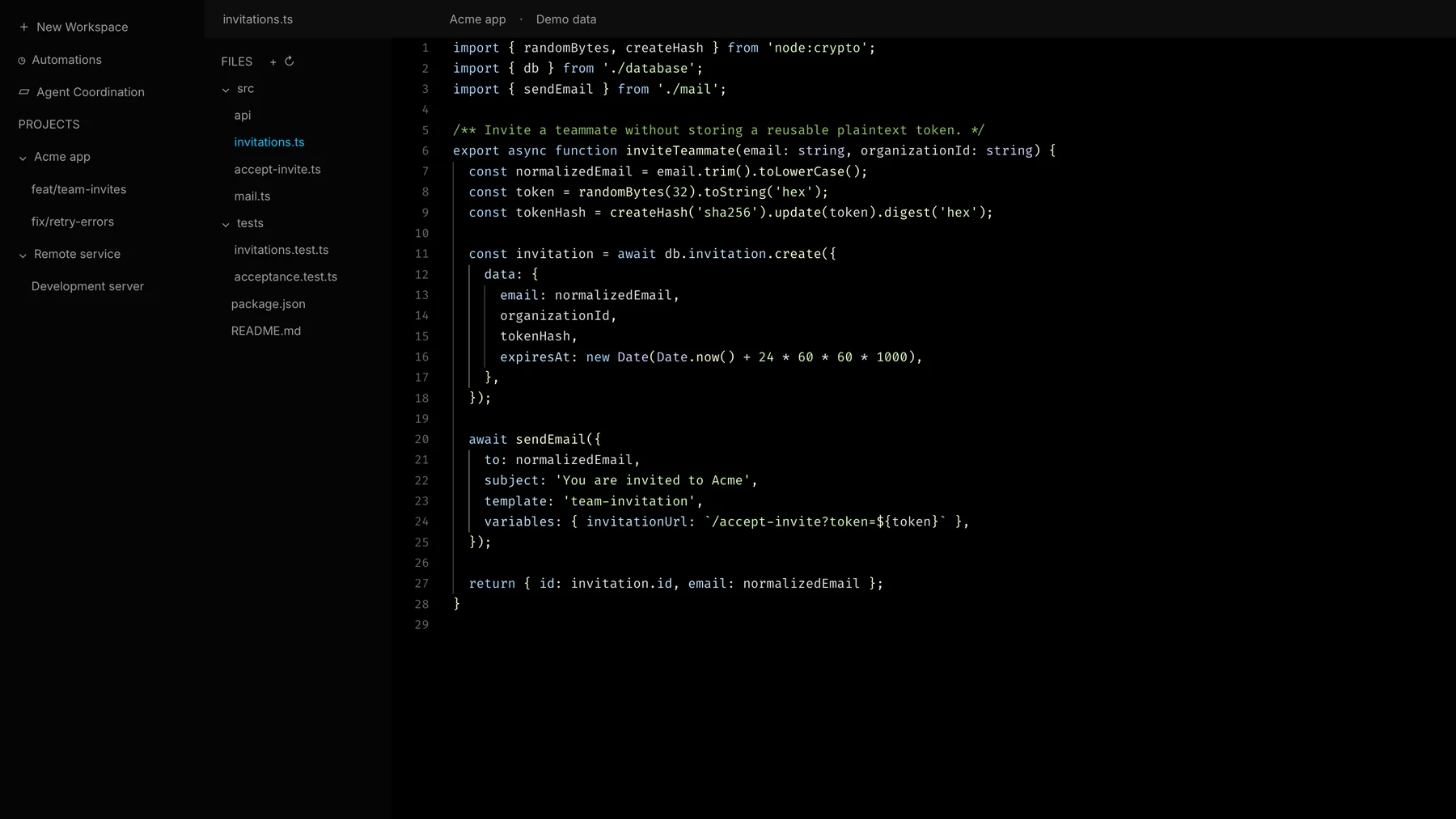
Open Files in the project sidebar. Expand folders and select a file to open it in an editor pane. The explorer uses the selected workspace’s root, including a remote root when the workspace is on an SSH machine.
Create a file or folder
Use the sticky Files header for New file, New folder, and Refresh. Select the parent folder first; selecting a file uses its containing directory. Enter the name inline and press Enter to save. Use Escape to cancel.
Inspect a change
Use Changes to find modified files and open their diffs. Read the surrounding code and run the appropriate checks before committing. Keep generated files and secrets out of a commit unless they belong there.
Separate review from editing
The workspace editor shows the working checkout. A hosted review shows a particular proposed change. Check the branch and file location before editing so a review does not accidentally become a change in an unrelated workspace.